
VPN is one of those terms that shows up constantly in security software marketing but rarely gets explained in plain terms. It stands for Virtual Private Network, and despite sounding complicated, the core idea is pretty simple once you break it down.
What a VPN Actually Does
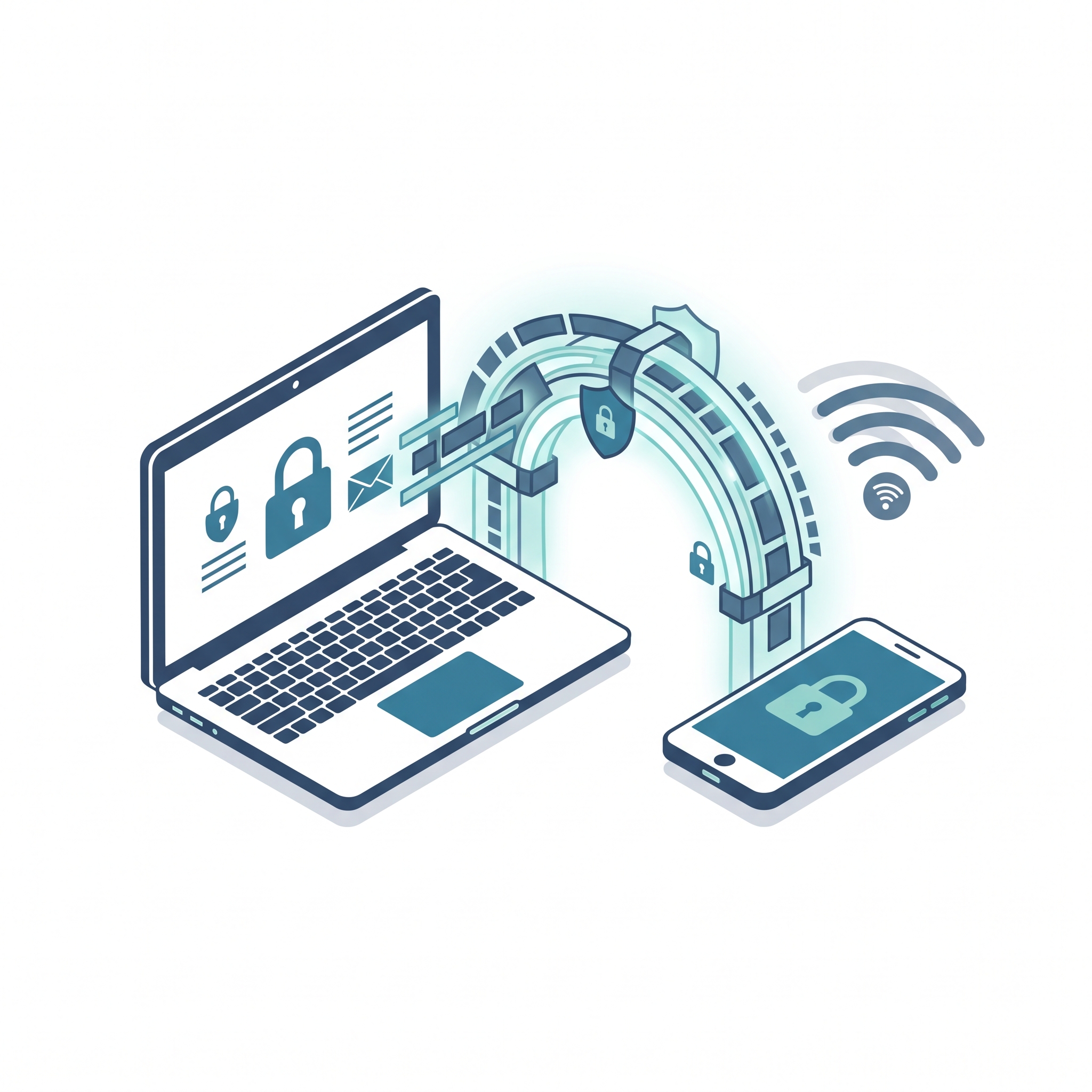
Picture mailing a postcard versus a sealed, locked envelope. Anyone handling that postcard along the way can read whatever’s written on it. A VPN turns your internet postcards into locked envelopes — it encrypts your connection, scrambling the data so anyone trying to intercept it, including on a shared or public network, just sees unreadable noise.
It also masks your actual location by routing traffic through a server elsewhere, which is why VPNs get associated with streaming and location-switching tricks. But for most everyday users, the real value sits in the security and privacy side, not the location games.
When a VPN Actually Matters
Public Wi-Fi is the single biggest reason to use one. Coffee shops, airports, hotels, libraries — these networks are often unsecured, meaning data crossing them can potentially get intercepted by someone else on the same network. Checking email, logging into your bank, typing any password on public Wi-Fi? A VPN encrypts that activity so it’s not easily grabbed.
Home Wi-Fi is usually reasonably secure already, assuming it’s password-protected on a modern router — so a VPN matters less for everyday browsing there, though it still adds a layer of privacy against your internet provider tracking what you do online.
Online banking and shopping benefit from that extra encryption layer, especially on any network besides your own.
What a VPN Does Not Do
Worth being blunt here, since marketing tends to overstate this:
It doesn’t stop scam phone calls, texts, or emails — it protects your internet connection, not your phone line or inbox.
It doesn’t replace antivirus. It encrypts traffic; it doesn’t scan for or remove malware.
It doesn’t make you anonymous. Websites still identify you through logins, cookies, and other tracking even with a VPN running.
And it won’t save you from phishing if you willingly type your info into a fake site — encryption protects data in transit, not bad decisions about where that data ends up going.
Should You Actually Use One?
A VPN genuinely earns its keep in one specific, common scenario: connecting to public Wi-Fi to check email, browse, or log into anything password-protected. Travel a lot, hit coffee shops often, or rely on library or hotel Wi-Fi? A VPN adds real protection in those moments.
Rarely leave your home network, mostly browsing on your own secured Wi-Fi? Less essential — though a lot of security suites now bundle a VPN in with antivirus at no extra charge, so there’s little reason not to have it available when you do need it.
How to Actually Use One
Most VPNs, standalone or bundled, work through a simple app — open it, tap a button, and your traffic’s encrypted from there on out. No ongoing fuss once it’s set up the first time.
The Bottom Line
A VPN encrypts your internet connection, and that matters most on public or unfamiliar Wi-Fi — airports, hotels, coffee shops. It’s genuinely useful for that specific situation, but it’s not a cure-all. It won’t stop phone scams, phishing emails, or malware on its own, so it works best as one piece of a bigger security approach, not a stand-in for the rest of it.
Note: This article is for general informational purposes. Specific product features and pricing change frequently and vary between providers — always confirm current details directly with the software provider before purchasing.