
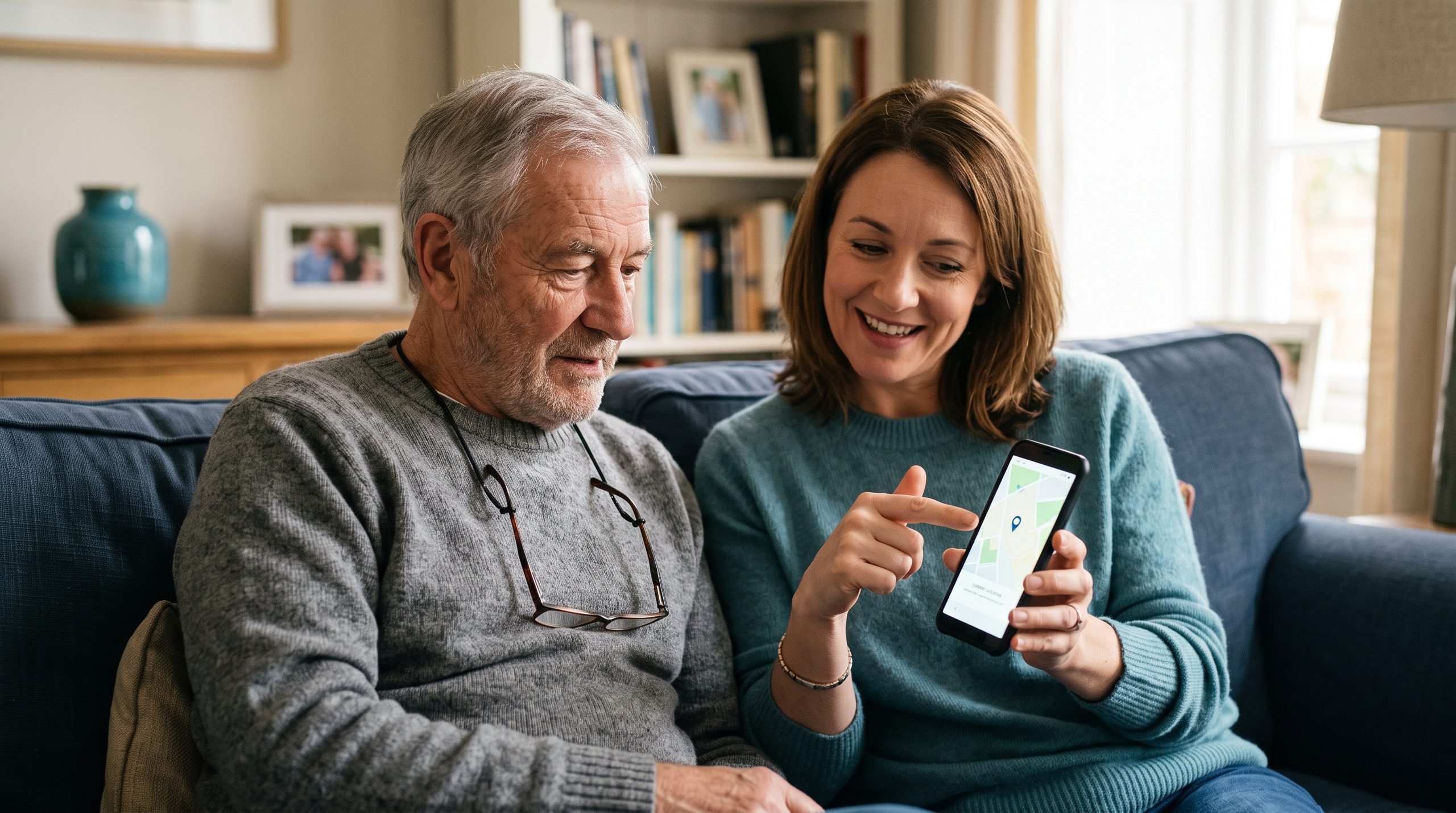
For families wanting an extra layer of protection beyond conversations and basic call-blocking, several remote monitoring and visibility tools exist — but using them well depends entirely on treating them as a collaborative, consented arrangement rather than covert surveillance. This guide focuses specifically on tools appropriate to set up with a parent’s knowledge and agreement.
Why Consent Changes Everything
Setting up monitoring tools without a parent’s knowledge — even with entirely good intentions — carries real risk: it can seriously damage trust if discovered, may not actually hold up as an effective long-term solution (a parent who feels deceived is less likely to cooperate going forward), and in some cases raises genuine ethical and even legal questions depending on the specific tool, the jurisdiction, and the parent’s own capacity to consent. Every tool covered here works best, and is most appropriate, when set up together and openly discussed.
Location Sharing
Find My (Apple) or Google’s Find My Device (Android) let family members share real-time location with each other, mutually and transparently.
How to set it up (Apple):
- Open the Find My app
- Tap People, then Share My Location
- Choose the family member to share with
Both sides can set this up mutually, so location sharing works in both directions if that’s what you want.
How to set it up (Android):
- Open Google Maps or the Find My Device app
- Tap your profile icon, then Location sharing
- Choose who to share with and for how long
Framed honestly (“I’d feel better knowing where you are if something happened, and you can see where I am too”), this tends to be one of the easier tools to introduce, since it’s mutual and widely used across age groups for general family safety, not scam-specific monitoring.
Bank and Card Transaction Alerts
Most banks offer free real-time transaction alerts by text or email. These go to the account holder directly rather than a family member by default, but some banks let you add a secondary contact for alerts, or a parent can simply forward alerts manually to a trusted family member as a check-in habit.
How to set up (varies by bank):
- Log into online banking or the bank’s app
- Look for Alerts or Notifications settings
- Turn on alerts for transactions over a certain amount, or for all transactions
This gives visibility into unusual financial activity without full account access, and can be a reasonable middle ground for families wanting an early warning system without more invasive full monitoring.
Screen Time / Digital Wellbeing Reports
Rather than full activity monitoring, both iPhone (Screen Time) and Android (Digital Wellbeing) can generate periodic reports showing overall app usage patterns — useful for noticing a significant, sudden change (unusually long time spent in messaging apps, say) without seeing any actual message content.
How to set up (Apple):
- Go to Settings > Screen Time
- Turn on Screen Time
- Under Family, add the parent’s device if using Family Sharing, letting reports get viewed with permission
How to set up (Android):
- Go to Settings > Digital Wellbeing & parental controls
- Set up Family Link, if that fits the situation, or simply review reports together periodically on the device itself
Shared Calendar for Appointments and Reminders
A shared family calendar isn’t a monitoring tool in the traditional sense, but it creates natural visibility into a parent’s schedule and plans, which can make it easier to notice something unusual — an unexpected appointment, a sudden trip — that’s worth a casual check-in conversation.
What to Avoid
Covert call or message monitoring apps that read message content or record calls without a parent’s knowledge fall into a completely different category — beyond raising serious trust concerns, some jurisdictions have specific legal restrictions on recording calls or monitoring communications without consent, even between family members. If genuinely deep monitoring feels necessary, it’s worth talking to an elder law attorney first, rather than assuming it’s automatically appropriate.
Revisiting the Arrangement Over Time
What feels appropriate can shift — a light-touch tool like location sharing might be all that’s needed now, while circumstances (cognitive changes, a specific past scam incident) might reasonably prompt a conversation about additional tools later. Treating this as an ongoing, adjustable arrangement, rather than a one-time setup, respects both safety and independence as circumstances change.
The Bottom Line
The most effective and appropriate remote monitoring tools are the ones set up together, with a clear mutual understanding of what’s being shared and why. Starting with lighter-touch, mutual tools like location sharing and transaction alerts, and having an honest conversation before introducing anything more, tends to build a sustainable arrangement that respects both safety and trust.
Note: This article is for general informational purposes and does not constitute legal advice. Consult an elder law attorney regarding the legal considerations of monitoring tools in your specific jurisdiction and situation.